Every new tab
becomes your
start page.
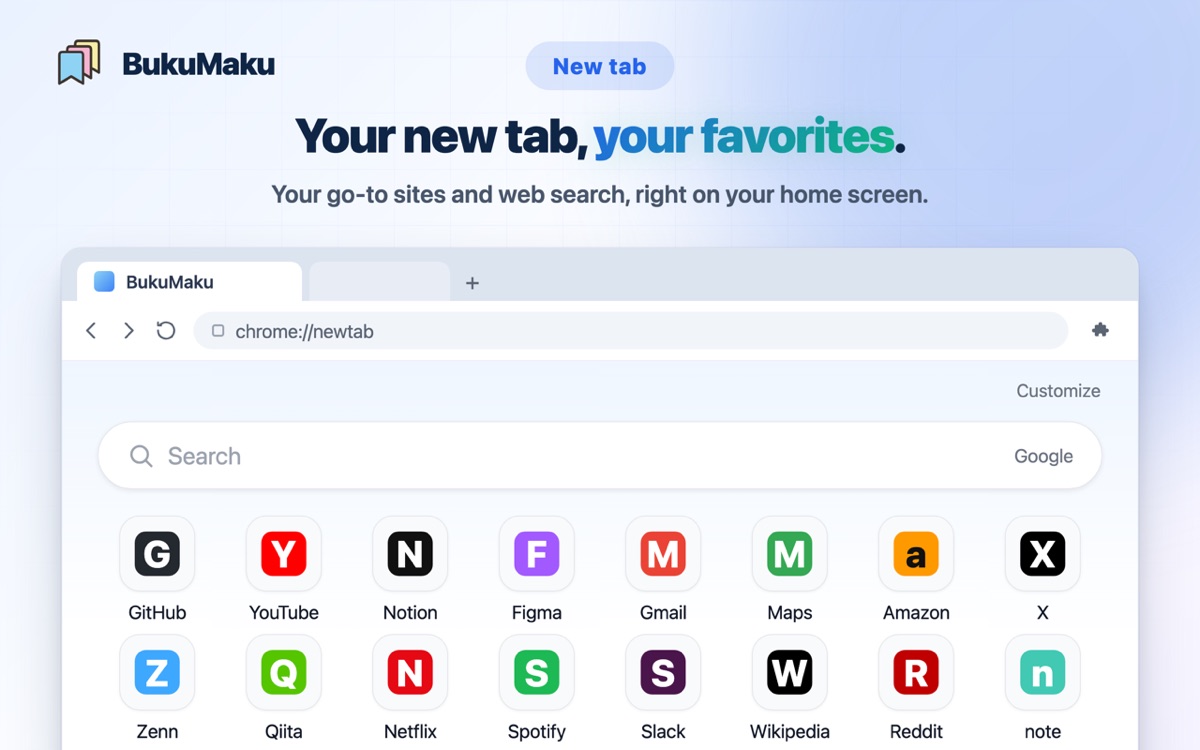
your go-to sites, one click away
Add the Chrome extension and your favorites line up as tiles in every new tab. Save any page right where you found it — it syncs to the mobile apps automatically.
A free extension. You can also bring your current browser bookmarks over in one go from the web app.
starting today, it goes like this
Everything it does.
found it? save it — pop
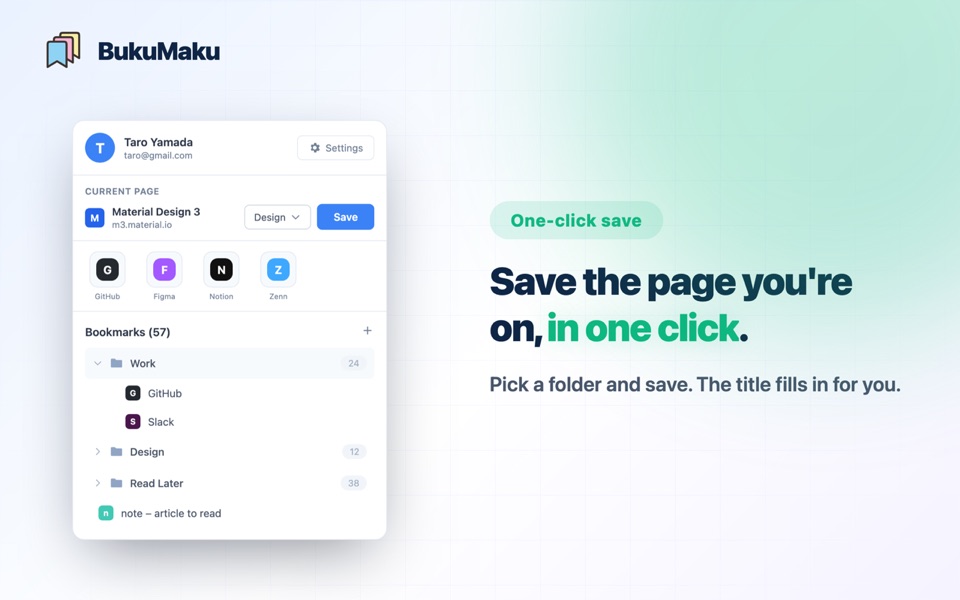
Save the page you're on, in one click
The title fills itself in, and filing into a folder happens right there. No need to leave the page.
plenty of bookmarks? no problem
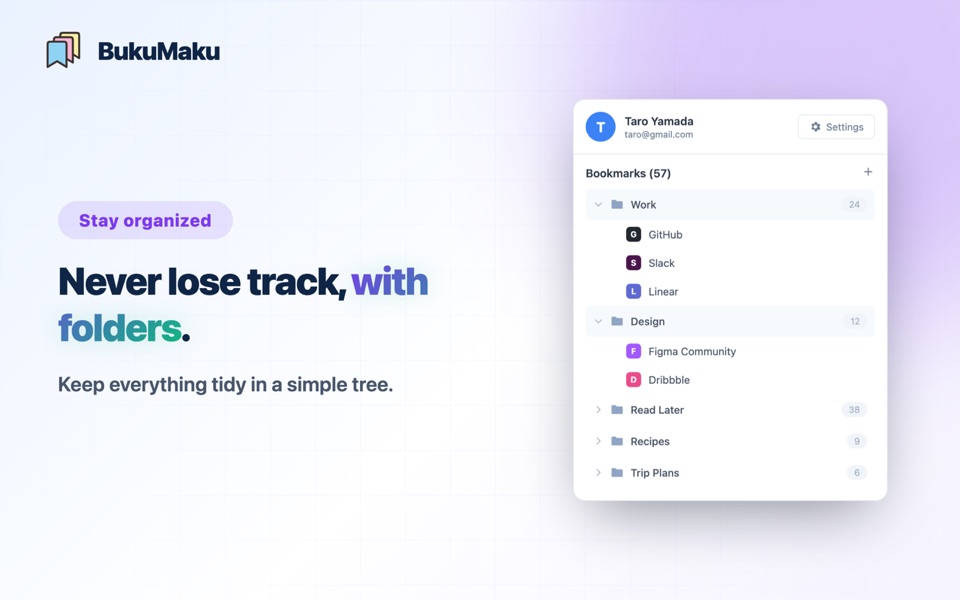
Organize big collections in a folder tree
A sidebar-style folder tree keeps everything within reach — you'll never lose your way to a page.
straight to your phone, too
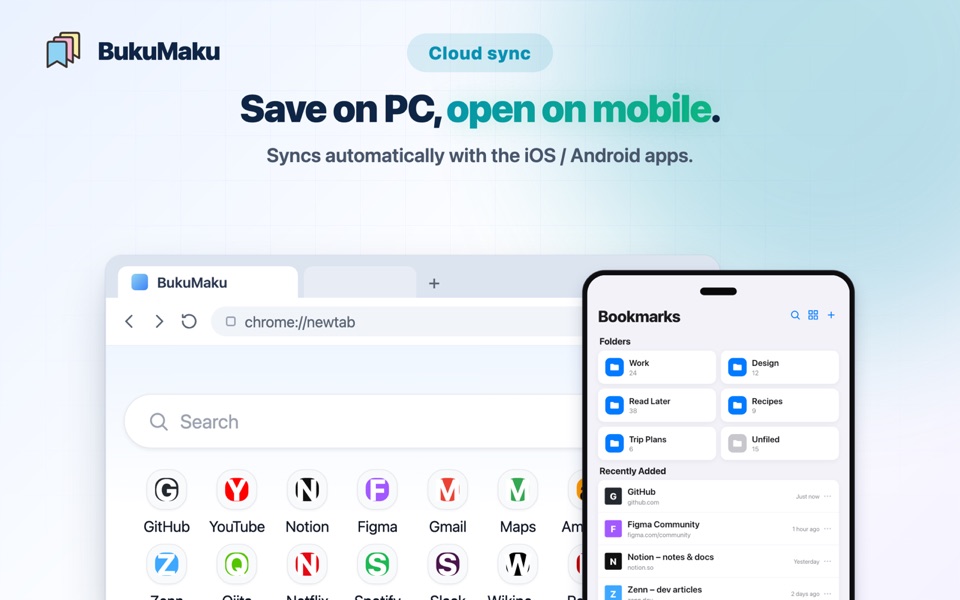
Save on your PC, read on the go
Syncs automatically with the iOS and Android apps. Pick up right where you left off, wherever you are.
in your pocket, too
The same favorites, on your phone.
With the iOS and Android apps, your bookmarks are at hand wherever you are. You also get Today's pick, which brings back a forgotten page every day, and AI Organize, which sorts your Unfiled into folders.
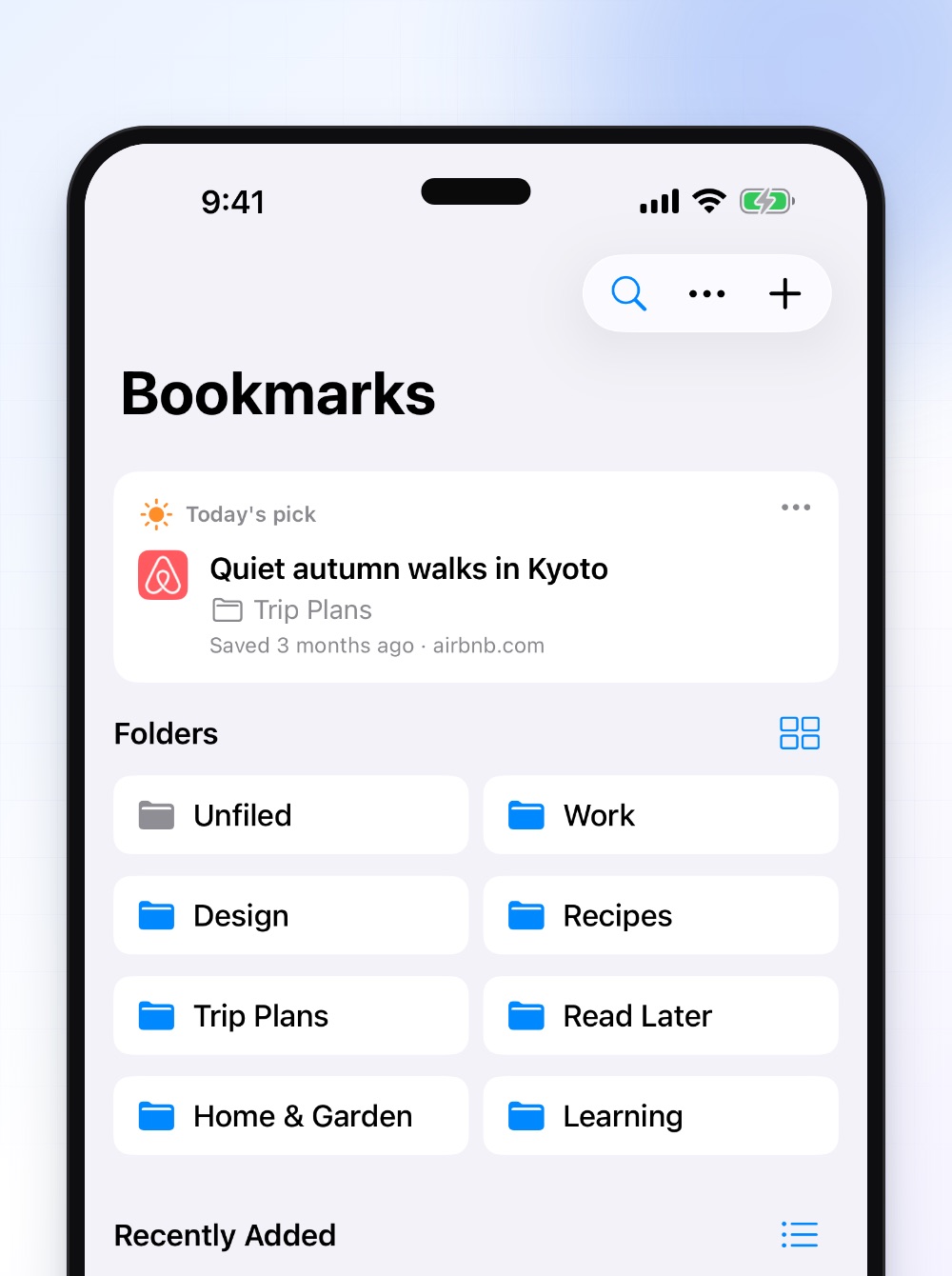
Free on the App Store and Google Play.
want to do more?
Leave the tidying to AI with Plus.
One subscription applies across web, iOS, and Android.
| Free | Plus | |
|---|---|---|
| AI Organize | Once | 5 per day |
| AI auto-sort | — | ✓ |
| Start page tiles | 20 | 100 |
| Thumbnails | 50 | 5,000 |
| In-app ads (iOS / Android) | Shown | Hidden |
Purchase from the web start page or inside the iOS/Android apps.
FAQ
Is it free?
Yes. Folders, sync across all devices, the start page, and Today's pick are all free, and you can try AI Organize once for free. If you want higher limits such as more tiles, the paid Plus plan is available.
Which platforms are supported?
Four: the iOS app, the Android app, the Chrome extension, and the web app. Sign in with the same Google account and everything syncs automatically.
Can I get my old new tab back?
Yes. From “ⓘ About this page” on the new tab you can turn the start page off anytime. The extension's other features keep working.
Is my data safe?
Yes. Data travels over encrypted connections and is stored on Google's robust infrastructure. Your bookmarks are never made public.
Where can I buy Plus?
From the web start page or inside the iOS/Android apps. Wherever you buy, it applies across all platforms.
What does the AI use to organize?
It looks at your folder names and descriptions, plus things like each bookmark's title and URL, to decide where it belongs. You review a plan before it's applied, and you can undo it all at once later. AI Organize is available in the iOS and Android apps.
Make bookmarks your ally, starting today.
Free to start. Your favorites, on every device.